

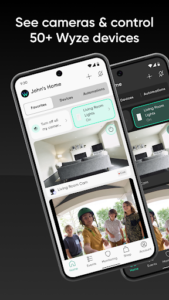
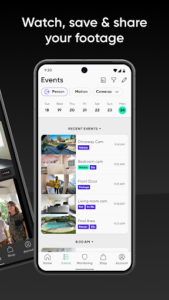
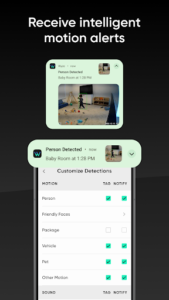
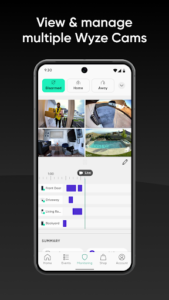

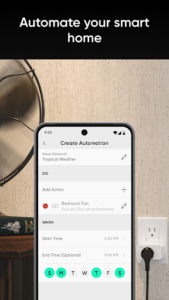
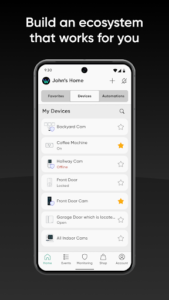
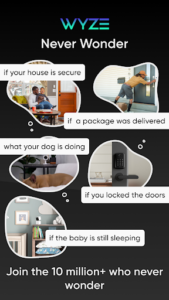
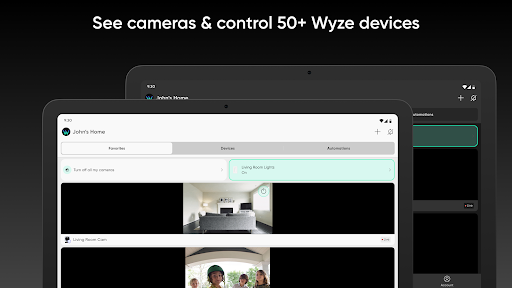
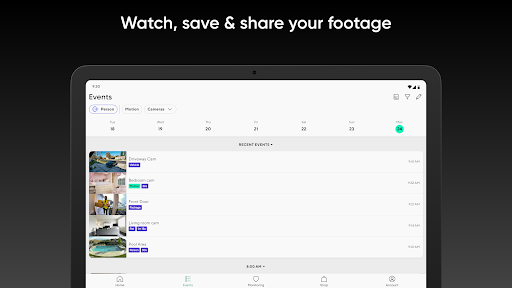
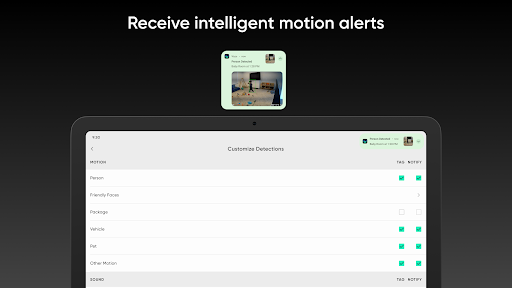
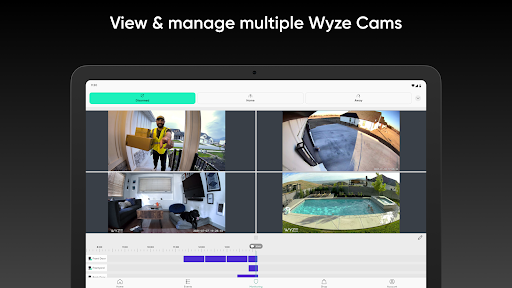
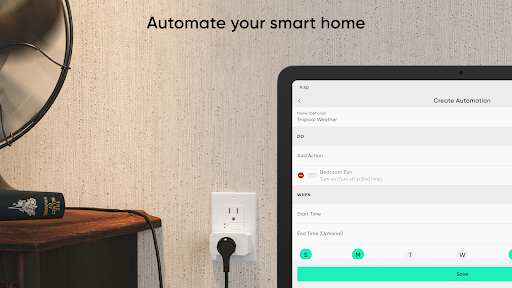
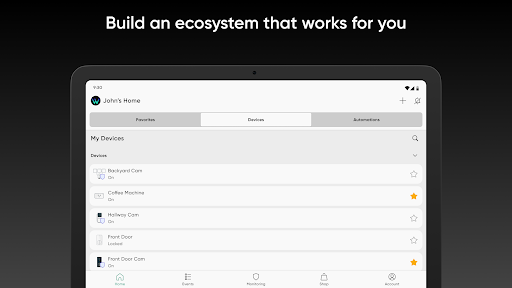
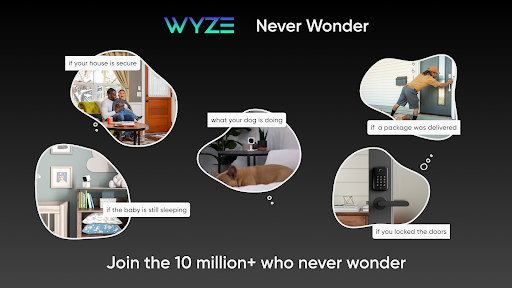
The Wyze app serves as the central hub for managing your Wyze smart home ecosystem. It allows users to shop for, set up, and control a diverse range of smart devices, from security cameras and home monitoring systems to smart bulbs, thermostats, and health trackers. This unified platform enables you to tie various Wyze products together, facilitating tasks such as keeping an eye on your home with Wyze Cams, adjusting your ambiance with smart lighting, or monitoring personal wellness metrics, all from a single interface.
Controlling Wyze Smart Home Devices
The app provides a unified interface for managing a wide array of Wyze smart devices. Users can control security cameras like the Wyze Cam, Wyze Cam Pan, Wyze Cam Outdoor, and Wyze Video Doorbell, which can be used for baby monitoring, garden security, or pet surveillance, with an optional Cam Plus subscription available for enhanced features. Beyond cameras, the app also manages smart lighting with Wyze Bulbs and Wyze Color bulbs, offering a 16-million color range, along with Wyze Plugs and Outdoor Plugs for appliance control. For convenience, it supports devices such as the Wyze Lock for auto-unlocking doors, the Wyze Thermostat for temperature adjustments, the Wyze Sprinkler Controller, and the Wyze Robot Vacuum for automated cleaning.
Home Security and Monitoring
For home security, the app supports the Wyze Home Monitoring Service, powered by Noonlight, offering a straightforward and affordable security solution. Alternatively, users can opt for self-monitoring by utilizing Wyze Sense motion and entry sensors, which provide instant notifications directly through the app.
Health and Wellness Tracking
Wyze extends into personal wellness with its range of health products. The app connects with Wyze smartwatches to track health metrics and display notifications like SMS and call logs directly on the wrist. Wyze smart scales provide detailed fitness insights, while Wyze Bands and audio gear such as Wyze Buds, Wyze Buds Pro, and Wyze Noise-Cancelling Headphones are also managed within the app. It is important to note that these health-related features, including weight, body fat, and heart rate tracking, are intended for general fitness and wellness purposes only and are not designed for medical use, diagnosis, or treatment. The app is not a medical device, and users should always consult a healthcare professional for medical advice.
Third-Party Integrations
To enhance smart home capabilities, Wyze integrates with popular third-party platforms. The app allows for connectivity with Amazon Alexa, Google Assistant, and IFTTT, enabling users to incorporate their Wyze devices into broader smart home automation routines.
Account Management
The app includes functionality for managing user accounts, prioritizing privacy. Users can delete their account directly within the app by navigating to the Account Tab, then selecting Account, and finally Delete account. The process involves checking three confirmation boxes, tapping Delete, re-entering the password, and tapping Delete again. Upon completion, all associated data is permanently removed and cannot be recovered.













Write a review